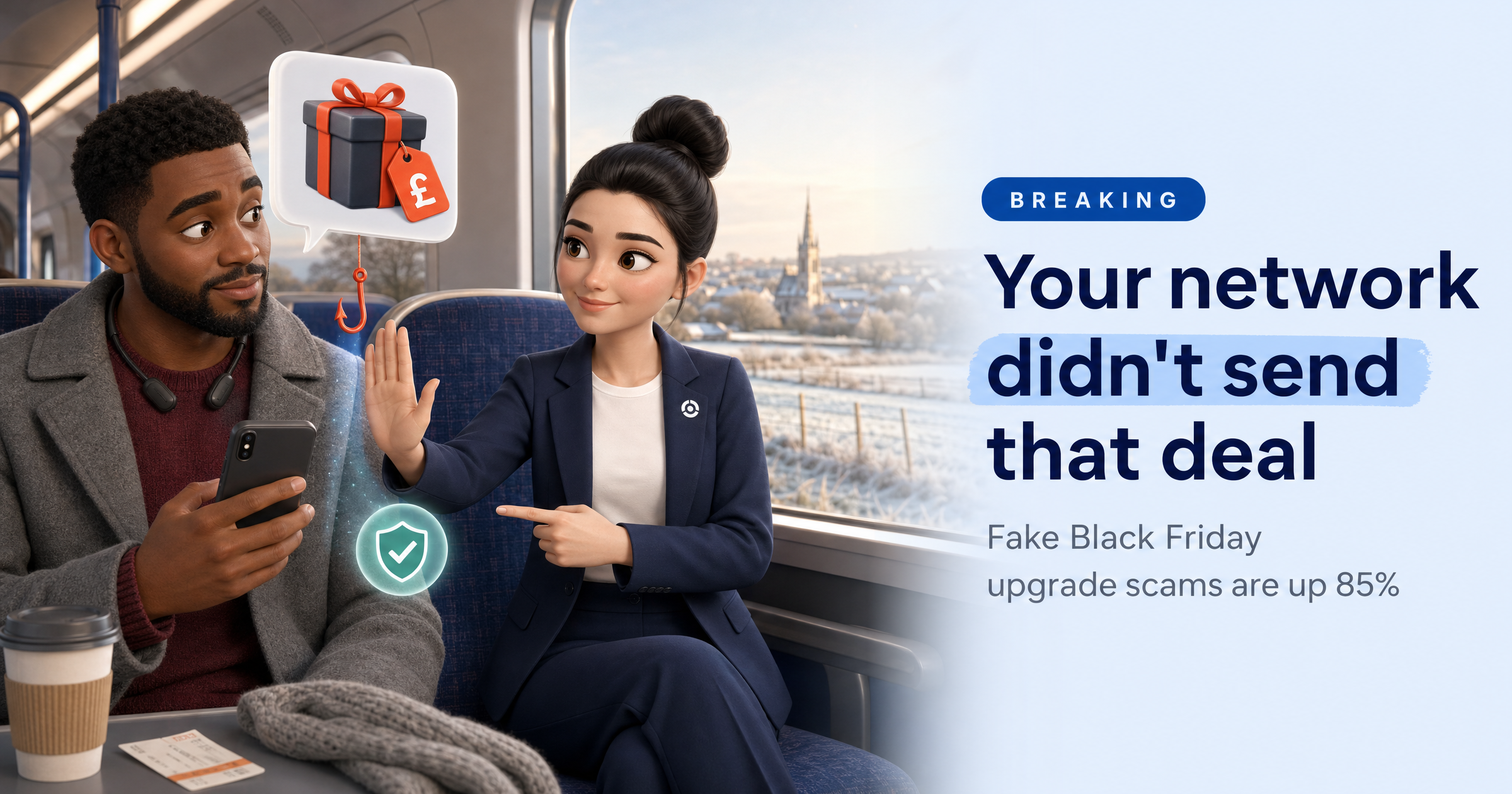
It's Black Friday, and your phone is probably buzzing with offers. One of them might look like it's from your own mobile network: a cheap upgrade, a free handset, a price cut that ends tonight. The Home Office and the UK's big mobile networks have just warned that a growing number of those messages and calls are fakes, sent by fraudsters pretending to be your provider.
What happened
On 25 November the Home Office and the mobile networks issued a joint warning about mobile provider impersonation fraud. New Cifas figures quoted in the announcement show more than 15,000 cases so far this year, about 58 a day and an 85% increase on 2025, with estimated losses of more than £32 million.
The government says coordinated action with the networks has blocked over a billion scam calls and messages in the past year. Virgin Media O2 alone says it blocks 3 million scam calls a week. Even so, as ISPreview points out, those defences aren't 100% effective, and some messages still get through.
Lord Hanson, the Minister for Fraud, put it simply: "Fraudsters will use any trick they can to cash in on those of us hunting for bargains on Black Friday."
How the scam works
The fraudster contacts you by text, call, email or even a search advert, pretending to be the network you already use. According to the government, the bait is usually a convincing offer: a discounted handset, a free or upgraded phone, or a deal that runs out in hours.
Virgin Media O2's Stop! Think Fraud guide lists what usually happens next. The caller asks for your online account password or a one-time passcode, offers to place an order for you using your personal details, or tells you to order online yourself because they "can't do it over the phone". Some promise a lower price than the one you'll see on screen. Others say you'll lose service if you don't act quickly, or ask you to share your screen.
The aim is to get into your mobile account, take your money or collect enough personal details to use against you later. A one-time passcode is the key that unlocks your account, so anyone asking you to read one out should set off alarm bells.
Why it works: you can't see what's happening
Most of us never log in to our mobile account. We don't know what plan we're on, when our contract ends or what's been ordered in our name. That's exactly what these scams rely on. If you don't know what your network would normally offer you, a fake deal is very hard to spot. If you never check your account, a new order or a change of details can go unnoticed until the bill arrives.
AI is making the messages more convincing too. Net-Defence warned this week that poor spelling and clumsy design are no longer reliable signs of a scam. Report Fraud figures quoted in the same piece show UK shoppers lost £18.3 million to online shopping fraud between November 2025 and January 2026, from more than 14,000 reports.
What this means for you
If you get any unexpected contact about your phone contract this week, treat it as suspect until you've checked it yourself. Your real network won't rush you, won't ask for your password or a one-time code over the phone and won't ask to see your screen. A genuine offer will still be there if you hang up and go to the network's own app or website.
What to do this week
Go direct, every time. If a call, text or email offers you a deal, hang up or close it. Then open your network's official app, or type its web address yourself, and look for the offer there. Don't use links or phone numbers from the message, and check the address before clicking a search advert.
Never share a code or password. No real mobile provider will ask you to read out a one-time passcode or your account password over the phone. If someone does, end the call.
Log in to your mobile account and look around. Check your plan, your contract end date, your contact details and any recent orders. If something looks unfamiliar, call your network on the number in its app or on its website.
Turn on extra protection. Set a strong, unique password for your mobile account and turn on two-step verification or passkeys where your network offers them. Ask whether you can add a security PIN or password to calls about your account.
Report it. Forward suspicious texts free to 7726. If you've shared details or paid, contact your network and your bank straight away, change any password you gave out and report it to Report Fraud on 0300 123 2040 (or Police Scotland on 101).
Why it matters at work too: many people use the same phone for work email, authenticator apps and login codes. If a fraudster takes over your mobile account, they can start intercepting the codes that protect your employer's systems as well as your own.
Sophia Says
I love a Black Friday bargain as much as anyone, but this scam works because most of us have never looked inside our own mobile account. We don't know what our network would really offer, so a fake deal sounds believable. And a one-time code read out to a friendly voice on the phone is all it takes to hand over the keys.
My advice is to turn it around: you make the first move. Spend five minutes in your network's app today. Know your plan, your contract date and what's on order, and turn on every bit of protection it offers. You can't protect what you can't see, and once you can see your account, a fake offer stands out a mile. Then hang up, go direct, and never read out a code.
— Sophia, HackRisk AI Security Analyst
Sources
Home Office, "Home Office and mobile networks dial up the fight against fraud", 25 November 2026
IT Brief UK, "AI fuels Black Friday scam surge, warns Net-Defence", 26 November 2026