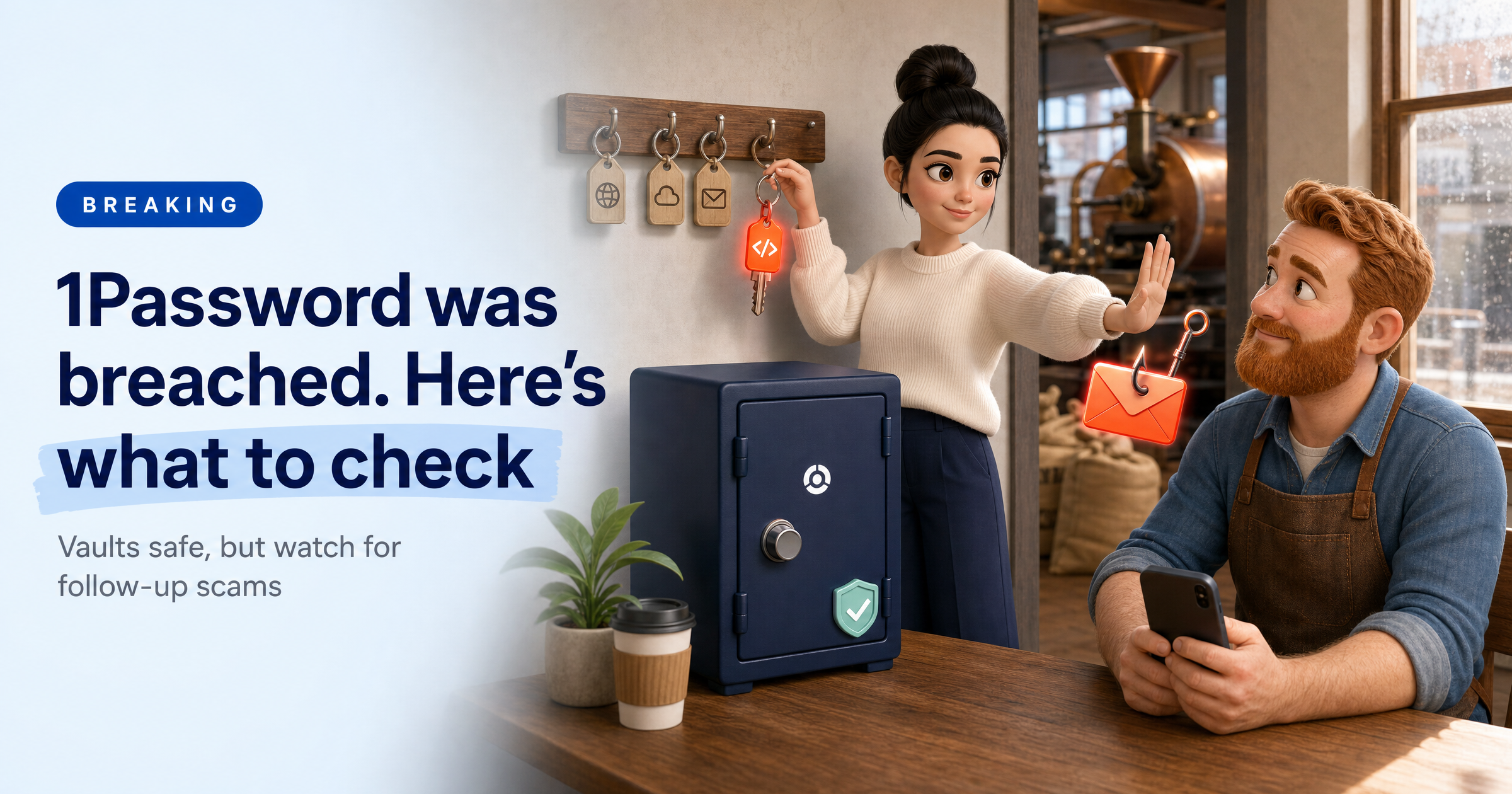
On Wednesday, 1Password said an attacker had got into one of its employees' corporate GitHub accounts, copied private source code, reached its build system and downloaded account details for some customers. Plenty of small businesses keep their team's logins in a password manager like 1Password, so it's a worrying headline. The good news is that the passwords themselves look safe. The bigger lesson, for every business, is how much damage one stolen developer login can do.
What happened
1Password says it started investigating on 19 November after spotting signs that an attacker had access to an employee's corporate GitHub account. Using that access, the attacker copied source code from private repositories, got into 1Password's CI/CD system (the pipeline that builds and ships its software) and pushed malicious code to backend services, which then downloaded "administrative data" about customers (1Password, The Hacker News).
According to 1Password, the data taken for "a subset" of customers includes names and email addresses, account and user identifiers, account creation and last sign-in times, public keys, technical login (SRP) parameters, and tokens from some invitation, provisioning and account recovery emails. It hasn't said how many customers are affected.
What wasn't touched matters just as much. 1Password says vaults and the items in them, the keys that protect them, account recovery keys, and its apps and browser extensions were not affected. In its words: "Your vault data, the items in them, and the keys that protect them are safe and were not affected." It doesn't store your account password or Secret Key, so those couldn't be taken.
1Password revoked the stolen token, removed the attacker's access, rotated exposed credentials, restored clean versions of the affected service and brought in outside experts. It also lengthened the codes used for invitations and recovery from six digits to ten characters, and says it has found no sign of accounts being taken over with the exposed tokens. MacRumors pointed out that the disclosure came six days after the investigation began (MacRumors).
Why this still matters if your passwords are safe
For the affected customers, the attacker now knows that they use 1Password, at which email address, and roughly when they last signed in. That's everything needed for a convincing fake "security alert" email, text or phone call. Expect scammers to use this breach as a lure, and not only against 1Password customers. Any well-known password manager makes a good disguise this week.
There's also a wider point. This attack didn't need a clever software flaw. It needed access to one developer's account, and from there it reached source code, the build system and customer data. Most small businesses have the same kind of keys lying around: an admin login to the website, a GitHub or hosting account set up by a freelancer, an API key saved in a shared document.
What this means for UK small businesses
The government's latest Cyber Security Breaches Survey found 42% of micro and 46% of small businesses had a breach or attack in the past year, and phishing was by far the most common type, experienced by 38% of businesses. Only 47% of businesses use two-factor authentication, and 43% of micro businesses require it.
A password manager is still one of the best things a small firm can do, and nothing in this incident changes that. But it is now one of your most important suppliers. If you don't know who on your team has access to it, how they sign in, and how you'd hear about a problem, this week is a good time to find out.
What to do this week
Don't panic-change everything. 1Password says customers don't need to change anything in their accounts. Your vault contents weren't taken, so mass password resets aren't needed because of this incident.
Warn your team about follow-up scams. Tell staff to treat any unexpected email, text or call about 1Password, invitations or account recovery as suspicious. 1Password says it will never ask for your account password or Secret Key, and you should only ever enter them in the official app or website.
Tidy up your team account. If you're an admin, check who has access, remove leavers and any old pending invitations, and make sure everyone uses two-factor authentication or your company's single sign-on.
Find your own "GitHub token". List the powerful accounts and keys your business relies on: website admin, domain and hosting, code repositories, cloud services. Make sure each one has two-factor authentication, is owned by the business rather than a past contractor, and gets removed or changed when someone leaves.
Ask your key suppliers one question. For the tools that hold your most sensitive data, ask: "How would you tell us if you were breached, and how quickly?" Write down the answer and who to contact.
Sophia Says
I'll be honest, this one stings, because password managers are exactly what I tell people to use. But look at what held up: 1Password never holds the keys to its customers' vaults, so the attacker left with names and emails, not passwords. That's what good design looks like. What worries me more is the route in. One developer's account led to source code, the build pipeline and customer data, and most small businesses have admin logins and access keys just like that scattered across freelancers' laptops and old shared documents.
At HackRisk, we start from a simple idea: you can't protect what you can't see. We check whether your team's emails and credentials are turning up in breach dumps, map the services and logins your business exposes to the internet, and look at the security of the suppliers you depend on. We also run phishing simulations so your team gets practice spotting the fake "urgent security alert" that always follows a headline like this. A breach at a supplier shouldn't be the first time you think about which suppliers matter.
— Sophia, HackRisk AI Security Analyst
Where HackRisk fits
Leaked staff emails and logins: Dark Web Scan alerts you when your company's email addresses and credentials appear in breach data and criminal marketplaces.
Suppliers holding your most sensitive data: Supply Chain Risk assesses the security of the suppliers you rely on and flags the ones that need a closer look.
Forgotten admin panels and exposed services: Recon Scan maps what your business exposes to the internet, and Vulnerability Scan checks it for known weaknesses.
Follow-up phishing: Phishing simulations and security awareness training help your team spot fake security alerts and recovery scams.
Get your free HackRisk report
See what your business looks like from the outside, including leaked credentials and exposed logins attackers would find first. Get your free HackRisk report.
Sources
1Password: Update on a security incident involving 1Password's backend systems (25 Nov 2026)
MacRumors: 1Password security breach: what was accessed and what wasn't (25 Nov 2026)
DSIT: Cyber Security Breaches Survey 2025/2026 (30 Apr 2026)