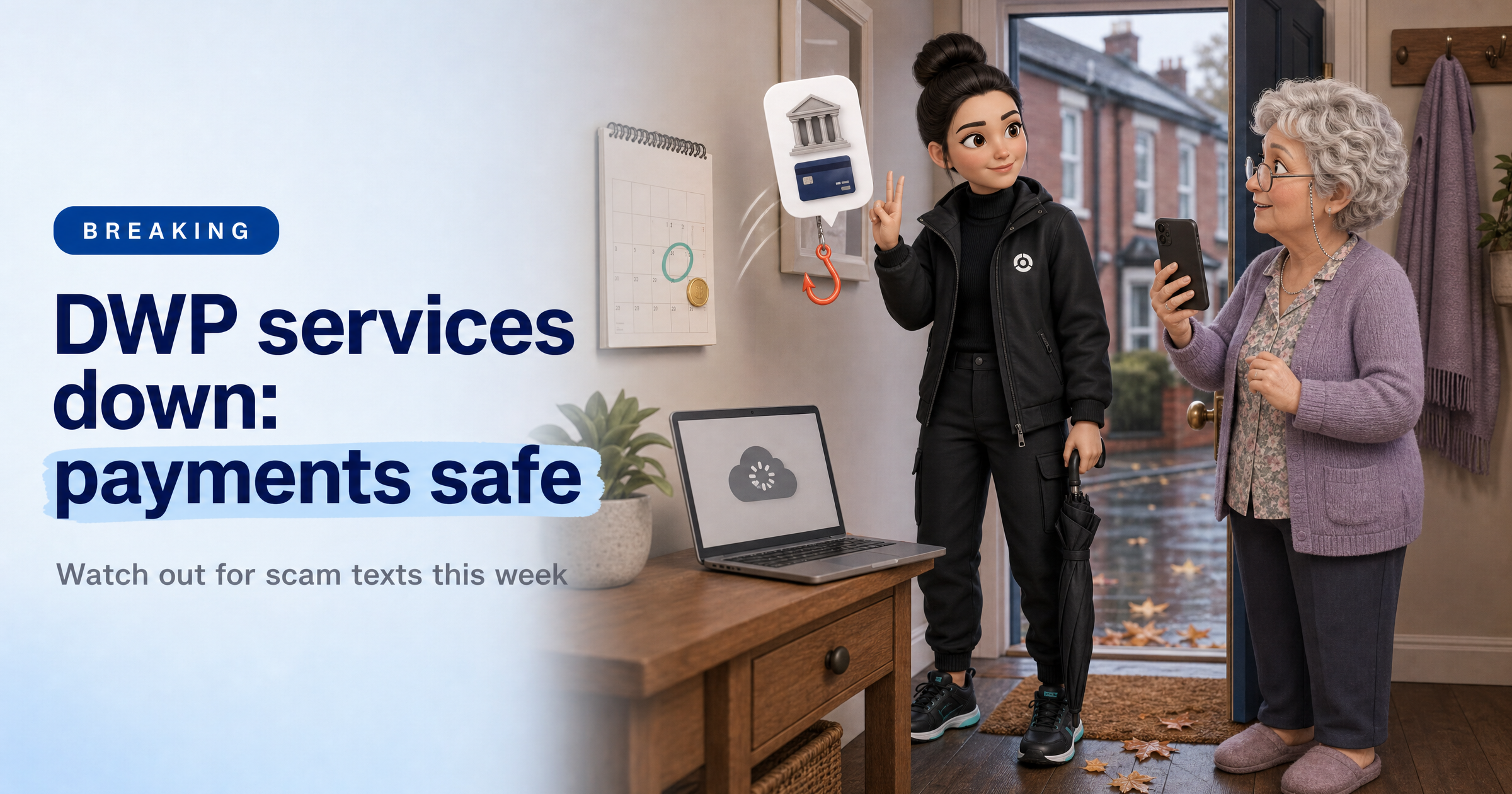
If you tried to sign in to your Universal Credit account this morning and couldn't, you're not alone. The Department for Work and Pensions (DWP) has taken some of its online services offline after a cyber incident. The good news first: DWP says benefit and pension payments are not affected. The thing to watch now is your phone and inbox, because incidents like this are often followed by scam messages.
What happened
On the morning of 27 November, DWP published a short statement saying it had identified a cyber incident affecting its systems and had taken some online services offline "as a precaution". It says it's working with the National Cyber Security Centre (NCSC) and the Government Cyber Coordination Centre to investigate and get services back.
DWP hasn't said which services are down. According to PA, services that appeared unavailable included applying for Universal Credit, signing in to an existing Universal Credit account and searching for a job. City AM reports that claimants had trouble signing in to the accounts they use to check payment dates, report changes and contact their work coach.
DWP's statement is clear on payments: "Regular benefit and pension payments are not affected and will be paid as normal." If a service is unavailable, try again later. In an update this afternoon, DWP added that anyone who needs help should call their usual benefit line, where staff will support them. All benefit helpline numbers are on GOV.UK.
What we don't know yet
At the time of writing, DWP hasn't said what kind of incident it was, how it started, whether any personal data has been accessed, or when services will be fully back. City AM notes the government "has yet to disclose the nature or scale of the incident". We'll update this article if that changes. Until then, it's best not to assume the worst, and equally not to assume your data is untouched.
Why scammers love a headline like this
When a big organisation is in the news for a cyber incident, fraudsters often copy it. Expect texts, emails and calls that mention the DWP incident and ask you to "verify your account", "confirm your bank details so your payment isn't delayed" or "click here to restore access". They work because people are already worried and want to fix things quickly.
DWP has said it plainly: "As always, we will never ask for your personal information via text or email." Any text or email asking for your bank details, a code or other personal information is not from DWP, however official it looks.
What this means for you
If you or someone you help receives Universal Credit, a pension or another benefit, there's no need to do anything about your payments. The bigger risk this week is being rushed into handing over details to someone pretending to be DWP. The best protection is knowing what's normal for your own account, so anything unusual stands out.
What to do this week
Don't act on messages about the incident. If a text, email or call mentions the DWP problem and asks for bank details, a code or a click, ignore it. Forward suspicious texts free to 7726 and emails to [email protected].
Need help? Call, don't click. If you need to speak to DWP, call your usual benefit line using the number on GOV.UK, not one given in a message. GOV.UK also has guidance on avoiding and reporting scams and phishing.
Only use the official route. When services come back, sign in by going to GOV.UK yourself, not through a link in a message. Bookmark the real sign-in page now so you don't have to search for it.
Note your payment date and amount. Write down when your next payment is due and roughly how much it should be. If it arrives as normal, that's reassurance. If anything changes unexpectedly, you'll spot it quickly and can raise it.
Check in on others. If you help a parent, neighbour or friend with their claim, have a quick chat about scam messages this week. People who rely on these payments are exactly who fraudsters will target.
Keep your other accounts tight. If you use the same password anywhere else as for your government account, change it to something unique, and turn on two-step verification where you can. That way, if anything about this incident turns out worse than it looks, the damage stays contained.
Why it matters at work too: plenty of employers, payroll teams and advisers deal with DWP. Expect the same scam messages at work, dressed up as DWP or HMRC requests, and treat any "urgent" payment or bank-detail change with extra care this week.
Sophia Says
It's reassuring that DWP pulled services offline quickly and that payments are still going out. Switching things off while you find out what's happened is the right call. What worries me more is the next few days, when the scam texts start. Fraudsters don't need to have been anywhere near DWP's systems to use the headline against you.
You can't protect what you can't see, so make your own account easy to see: know your payment date, bookmark the real sign-in page and keep a note of what normal looks like. Then any message that asks for bank details or a click is a scam, full stop. Delete it, report it, and check in on anyone you know who might be caught out.
— Sophia, HackRisk AI Security Analyst
Sources
DWP / GOV.UK, "Temporary disruption to some DWP online services", 27 November 2026
City AM, "DWP takes services offline after cyber incident", 27 November 2026
PA via Stratford Herald, "DWP removes some online services amid cyber incident", 27 November 2026