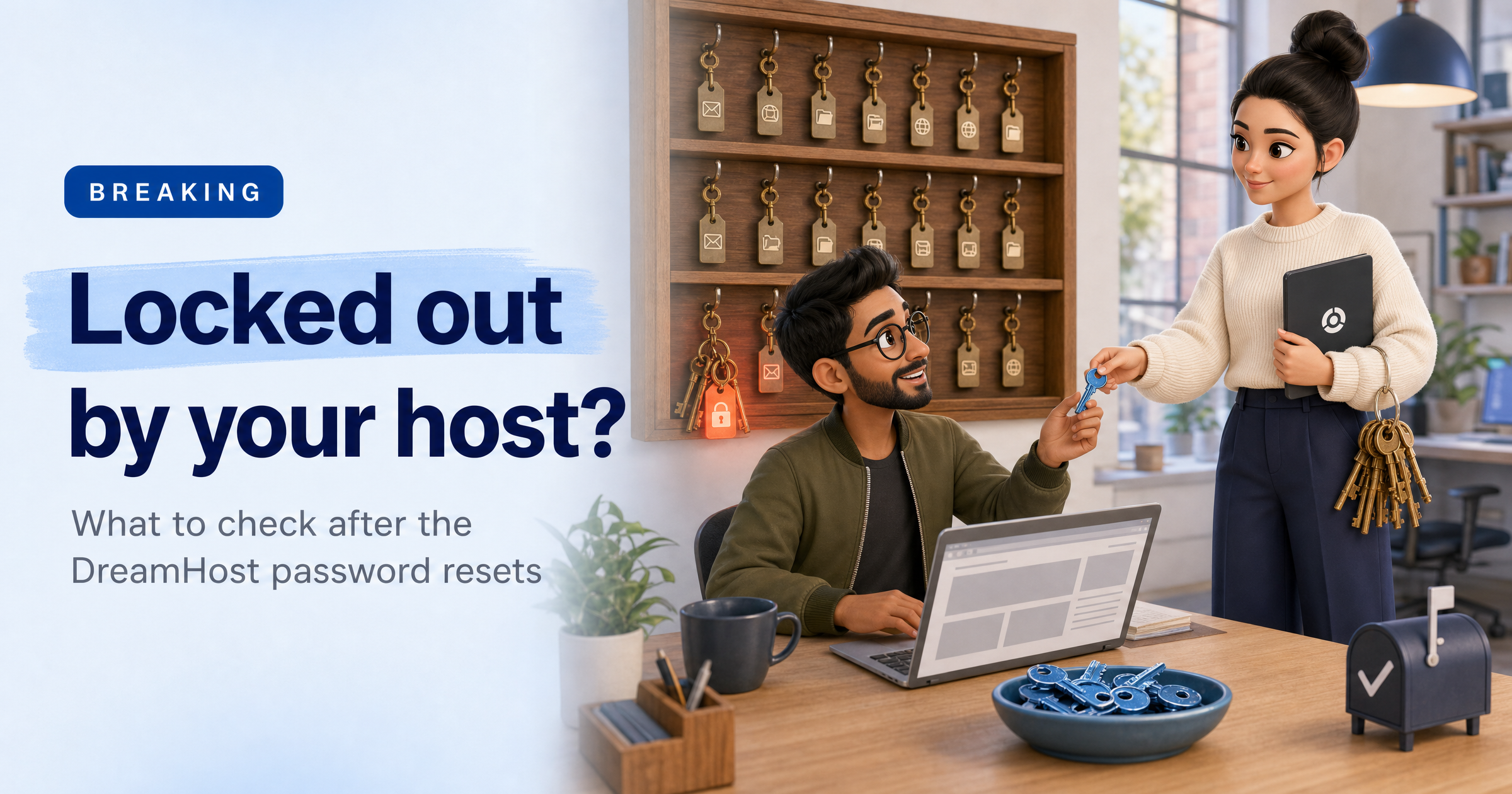
If your website or email lives with DreamHost, you may have been locked out of a mailbox or FTP account in the last week.
On 23 October, the US web host found that an unauthorised third party had accessed the server behind its web-based File Manager, and it forced password resets.
Even if you've never heard of DreamHost, the questions it raises apply to any hosting provider your business relies on.
What happened
According to DreamHost's own incident post, published on 29 October, an attacker exploited a vulnerability in third-party software used by File Manager. That exposed FTP and SFTP usernames and passwords for people who logged in to File Manager before the activity was detected, which DreamHost says could cover logins from about August 2026 to 23 October.
The attacker also reached some webmail systems and obtained credentials for a limited number of webmail users. DreamHost took the File Manager servers offline the same day and says the vulnerability has been patched.
DreamHost estimates the incident affected "well under approximately 10%" of email and FTP/SFTP accounts, and says it found no evidence of access to control panel logins or customer billing details.
In a small number of cases it believes the attacker may have used webmail credentials to view mailbox contents, and it is contacting those customers individually. Outside forensic experts are still investigating and DreamHost says the scope may change. Its post doesn't say whether website files were viewed or copied, and it asks customers to check their files for unfamiliar changes.
When BleepingComputer reported on the disruption on 26 October, it noted that DreamHost serves more than 400,000 customers in over 100 countries, with at least 1.5 million websites and applications.
Early reports described access being blocked for all users until passwords were reset. DreamHost's later post says it was affected mailbox and FTP users, and that websites and email stayed online throughout.
Either way, only the account owner can set the new passwords, so the people actually using those mailboxes may be locked out without knowing why.
Why a hosting incident is awkward for small firms
A hosting account is where your website, your email and sometimes your customers' data meet.
FTP credentials let someone upload or change website files. A mailbox can hold invoices, customer details and the password reset emails for other services. And because the host can't always contact the individual mailbox users, the job of telling staff, clients and colleagues falls to whoever manages the account.
If you're a web agency or an IT provider that looks after hosting for clients, that is a conversation to have today.
What this means for UK small businesses
Most UK small firms don't host directly with DreamHost, but plenty use a US-based host, a reseller or an agency that does, and many owners don't know which.
If personal data was sitting in an affected mailbox, UK GDPR means you need to assess whether it is a reportable breach, and the ICO's reporting window is 72 hours from becoming aware of it. DreamHost itself suggests that businesses holding their own customers' data speak to their advisers.
There is a phishing angle too. DreamHost says it will never email asking for your password, and that password changes should be made by typing panel.dreamhost.com into your browser, not by following links. Expect copycat "reset your password" emails to follow any incident like this.
What to do this week
Find out who hosts your website and email. Ask your agency or IT provider if you're not sure, and ask whether any of your accounts were affected.
Reset anything your host flags, then update saved passwords. Old passwords stay saved in email apps, phones and FTP tools. DreamHost says a new password can take up to 15 minutes to start working.
Check forwarding rules and website files. Remove any mail forwarding you didn't create, and look for files or changes on your website that you don't recognise.
Change reused passwords elsewhere. If the same or a similar password protects other services, change it there too and switch on multi-factor authentication.
Tell your team to be wary of reset emails. Type the provider's address into the browser yourself rather than clicking a link.
Sophia Says
"What I notice here is how ordinary the weak spot was: software the host didn't write, sitting in front of the keys to a lot of people's websites and inboxes. You can't fix your provider's patching, but you can make sure one exposed password doesn't open everything else."
"I can't see inside your host, and I'd be wary of any tool that says it can. What I can do is look at your business from the outside: whether your logins have turned up in leaked data, which services are exposed to the internet, and whether the software on your own sites is out of date."
— Sophia, HackRisk AI Security Analyst
Where HackRisk fits
- Leaked logins: Dark Web Scan checks whether your business email addresses appear in leaked data, so you can reset them early.
- Exposed services: Recon Scan shows what an attacker can see of your business from the internet, such as login pages and exposed services.
- Out-of-date software: Vulnerability Scan flags known weaknesses in the systems and sites you run yourself.
- Supplier risk: Supply Chain Risk helps you see how much you depend on outside providers such as hosts.
- Copycat reset emails: Phishing Simulations and Security Awareness Training help staff spot them.