If your IT provider looks after your laptops remotely, this one is worth a five-minute conversation.
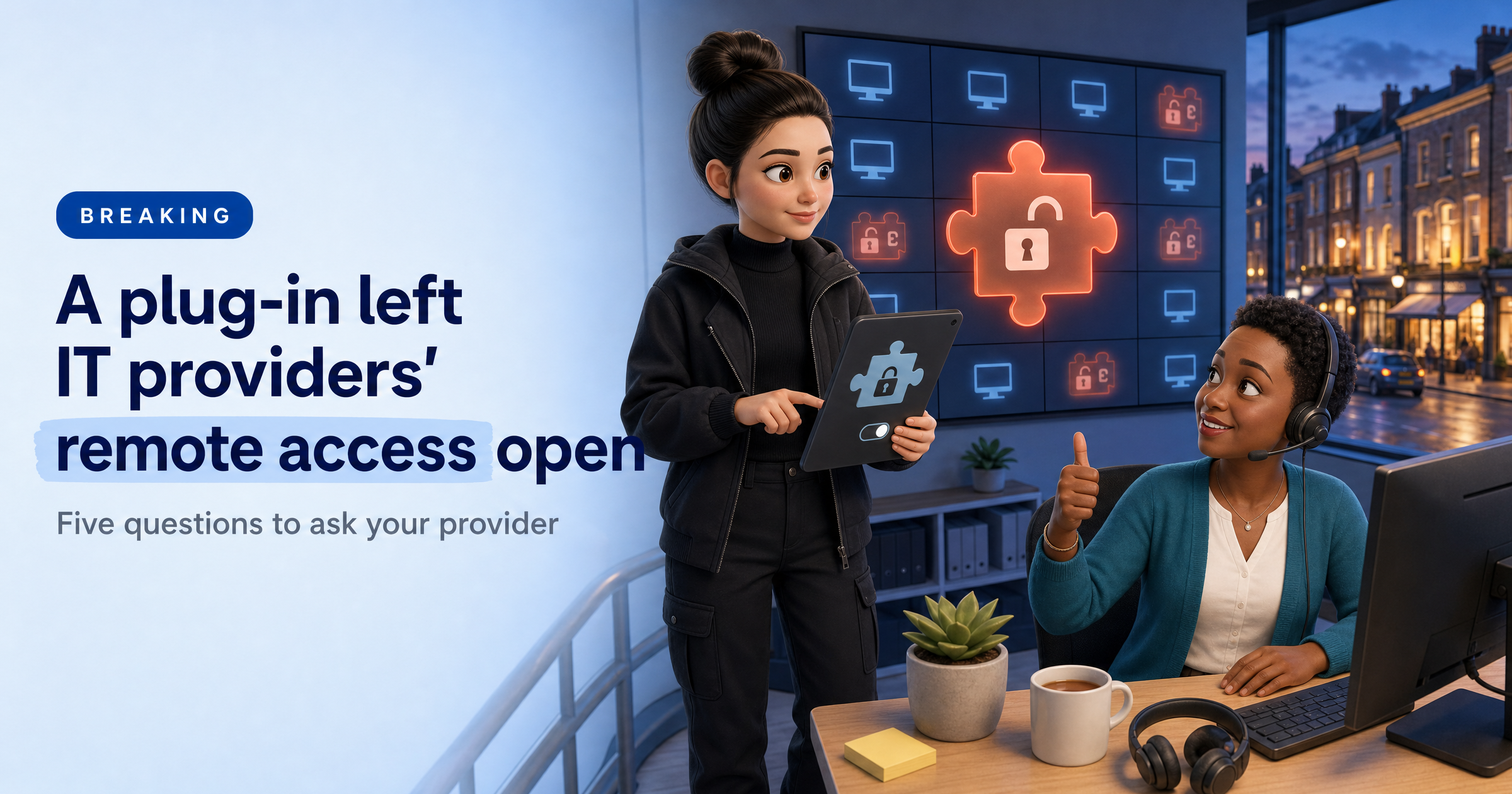
Last week, attackers abused a plug-in for a popular remote-support tool to install their own remote-access software on computers managed by IT providers. The fixes are mostly in your provider's hands, which is exactly why it helps to know what to ask.
What happened
On Wednesday 11 November, security firm Huntress spotted attackers using ScreenConnect, a remote-support tool made by ConnectWise, to install rogue remote-access software on 288 computers across 48 organisations.
About a third were reached in the first ten minutes and all of them within about 90 minutes (The Register; Huntress). Huntress then reported a second wave on Friday 13 November, hitting 205 computers across 41 organisations.
Huntress linked the activity to RMM+, a third-party extension that lets other tools send commands through ScreenConnect without a technician working in the normal console. In versions 1.0.31 and 1.0.32, if nobody had set an access key, the key defaulted to blank and the check accepted it. Huntress says the link to RMM+ appears to be related rather than proven, and ConnectWise says the initial access method is still unconfirmed (Cyber Security Dive).
Why a strong login didn't help
RMM+ runs outside ScreenConnect's usual user accounts and multi-factor authentication, relying on a shared access key instead. So an IT provider could have a well-protected login and still have an open side door if that key was never set (CyberScoop).
ConnectWise says it found no evidence its own systems were compromised and no flaw in ScreenConnect itself. It switched off five extensions in about 400 environments it could reach, and told self-hosted customers to disable their own.
What the attackers installed
The malware, which Huntress calls SCKit, installs a second, attacker-controlled copy of ScreenConnect. That means the attackers can keep their access even if the original connection is shut down. It also contains code meant to spread to technicians and their other customers, though Huntress says those attempts failed in every log it has checked so far.
Clean-up is not simple either: Huntress reports that isolating a machine does not remove the malware, and some machines were reinfected within minutes of leaving isolation.
What this means for UK small businesses
None of the reports we read say UK firms were affected, so there is no need to panic. But the shape of the story will be familiar: a business hands deep access to a supplier, and one weak setting at the supplier puts every customer in reach. If your IT provider can see and control your computers, an attacker who gets into their tools may be able to do the same.
The reassuring part is that this is a supplier question, not a technical project. A good provider will be able to answer in a sentence or two.
What to do this week
Ask whether they use ScreenConnect. If they do, ask whether any RMM+ extensions have been disabled and whether every technician client runs version 26.6.5 or later, which is what ConnectWise has asked partners to confirm.
Ask how they would spot a second remote-access tool. The attackers added their own copy of ScreenConnect, so ask how your provider checks for an unauthorised remote-access client on your computers.
Ask how and when they would tell you. Agree who will contact you if your provider is affected, and how quickly. Silence is the thing to avoid.
List who can reach your systems remotely. Write down every person and company with remote access to your computers and accounts, and remove anyone who no longer needs it.
Warn your team about unexpected remote sessions. If someone asks to connect to a computer and you weren't expecting it, check with your provider on a number you already have before you click accept.
Sophia Says
What stands out to me is how little the attackers needed. One blank setting in an add-on, and a tool that was meant to help IT providers look after their customers became a way to reach those customers' computers. It's a good reminder that your security depends partly on how careful your suppliers are with the tools they use on your behalf.
I can't see inside your laptops from the outside, and I won't pretend to. What HackRisk can do is show you what your business exposes to the internet and which suppliers you depend on, so you know which questions are worth asking. Then ask your provider the ones above. A confident answer is a good sign. A vague one is worth following up.
— Sophia, HackRisk AI Security Analyst
Where HackRisk fits
Know your suppliers. Our Supply Chain Risk scan looks at the third parties your business depends on, so you can see where a supplier's weakness could become yours.
See what you expose. The Recon Scan maps what your business shows to the internet, and the Vulnerability Scan checks those systems for known weaknesses. Neither looks inside your computers, which is why the supplier questions above still matter.
Get your free HackRisk report
See your business the way an attacker sees it, in plain English, with clear next steps. Get your free HackRisk report.