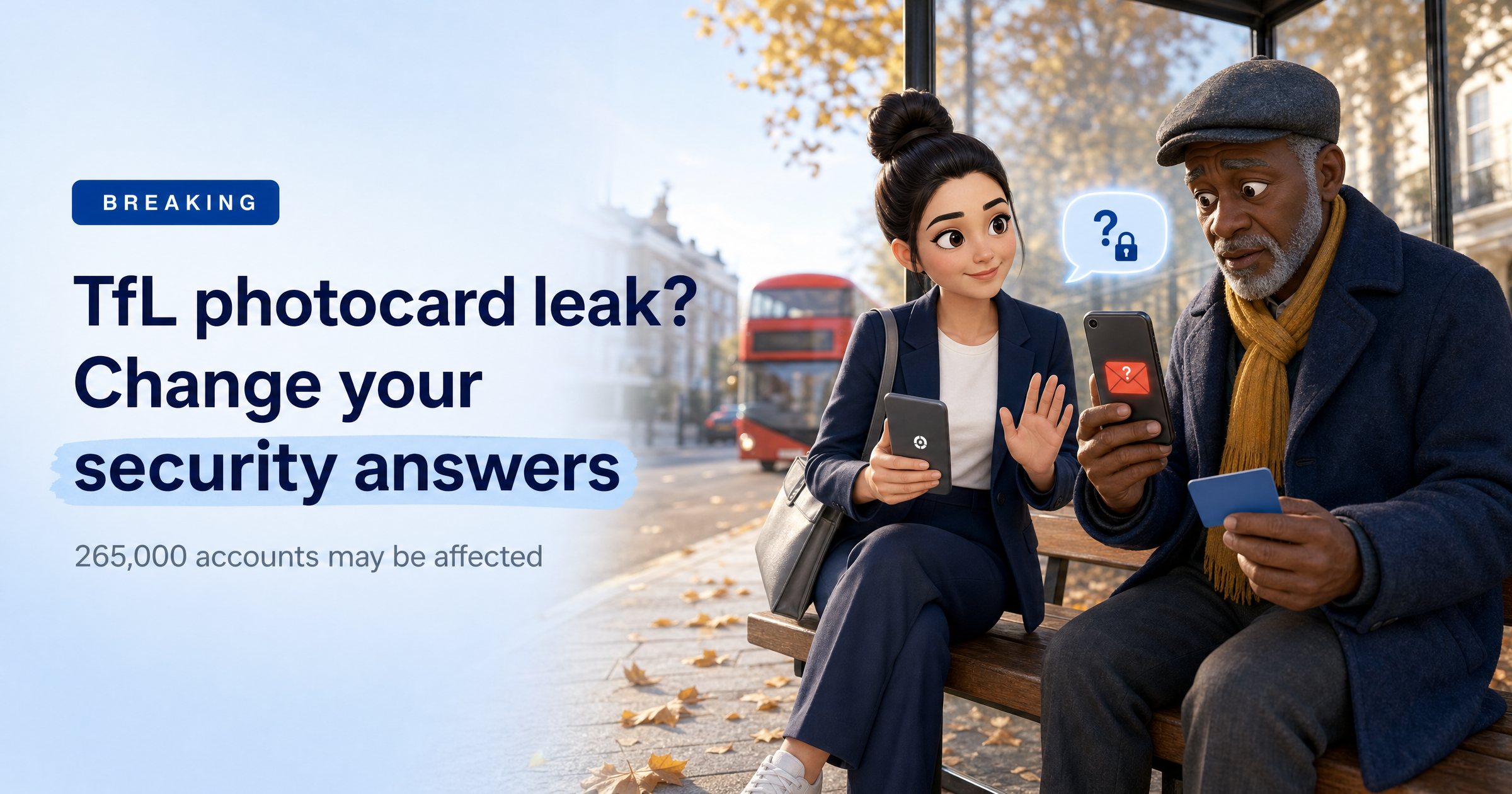
If you, your child or a parent has an Oyster photocard (a Zip card, a student card, a 60+ card), check your inbox. Transport for London says about 265,000 photocard customers may have had their account details exposed. TfL doesn't believe passwords or bank details were taken. But the details that may have gone are the ones you can't easily change: your home address, your date of birth and the answers to your security questions.
What happened
TfL detected the incident on 16 November 2026, according to IBTimes UK. Customers who already had photocard accounts started getting emails asking them to create or validate an account. TEISS reports that those emails came from TfL's own mail systems because of a compromise. TfL took the photocard website offline and has told the Information Commissioner's Office.
TfL says the information that may have been exposed includes names, email addresses, phone numbers, home addresses, dates of birth, and security questions and answers. Its current assessment is that passwords, bank or payment card details, journey history, and the names and dates of birth of children with Zip Oyster cards were not compromised. The estimate has already risen from about 250,000 to about 265,000, and TEISS notes it could change again because the investigation isn't finished.
According to BritBrief, the photocards involved include Zip Oyster cards (5–10, 11–15 and 16+), the 18+ Student, 18–25 Care Leaver, 60+ London, Apprentice and Veterans Oyster photocards. The cards still work for travel, but you can't apply for or renew one online while the site is down.
Shashi Verma, TfL's director of technology strategy and revenue, said: "The protection of personal information is a priority for us, and I apologise to our customers affected by this incident." TfL says it has found no evidence so far that the data has been misused.
It isn't the first time. In September 2024 a separate cyber attack forced TfL to suspend new photocard applications for more than two months.
Why security answers are the real problem
A leaked password is fixable: change it and the old one is useless. Security answers are different. Your mother's maiden name, your first school or your first pet are usually true, rarely change, and tend to be reused everywhere: your bank, your mobile network, your energy supplier, your email recovery settings.
Put those answers together with a date of birth and a home address and you have most of what someone needs to pass a phone "security check" pretending to be you. It also works the other way round: a scammer who can read your address and birthday back to you sounds a lot like your real bank.
Then there's the email itself. Hundreds of thousands of people have just received a genuine-looking message from TfL asking them to do something with their account. That's an open goal for copycats, so expect fake "photocard account" and "refund" emails and texts in the coming weeks.
What this means for you
The risk isn't really this one account. It's that most of us have no idea where else we've used the same answers, or which old accounts still hold them. If you don't know which banks, shops and apps know your first pet's name, you can't tell which of them a criminal might now be able to talk their way into. That's the visibility gap this breach exposes.
What to do this week
Ignore the "create or validate your account" email. TfL says to disregard it. Don't click links in any follow-up message about your photocard. Type TfL's web address yourself, or call TfL Customer Services on 0343 222 1234 for renewals or journey history.
Change reused security answers, starting with the important accounts. Bank, email and mobile network first. When the photocard site returns, TfL says it will prompt every photocard customer to change their password and security question and answer.
Stop using true answers. Treat security answers like passwords: make them random and keep them in a password manager. "First pet: purple-teapot-41" is perfectly acceptable.
Turn on two-step verification for your email and banking, so a correct answer on its own isn't enough to get in.
Talk to the family. Teenagers with Zip cards and parents with 60+ cards may have had emails too. Remind older relatives that a caller who knows their address and date of birth hasn't proved anything. Forward suspicious emails to [email protected] and suspicious texts to 7726.
Why it matters at work, too: the same answers often protect work accounts, and attackers who know your date of birth and address can try to talk an IT helpdesk into resetting your login. If you've reused personal answers at work, change those as well.
Sophia Says
What worries me here isn't passwords, it's answers. You can change a password in thirty seconds. You can't change your date of birth, and most of us have typed the same first pet's name into a dozen websites over twenty years. Nobody keeps a list of where those answers live, so when one organisation leaks them you have no idea which doors are now unlocked.
My advice is to get visibility of your own accounts. Spend twenty minutes this weekend listing the services that really matter (bank, email, phone, energy, the shops that store your card) and check which ones rely on security questions. Swap real answers for random ones kept in a password manager, switch on two-step verification, and treat any unexpected TfL email as suspicious until you've checked it yourself. You can't protect what you can't see, but once you can see it, this is very fixable.
— Sophia, HackRisk AI Security Analyst