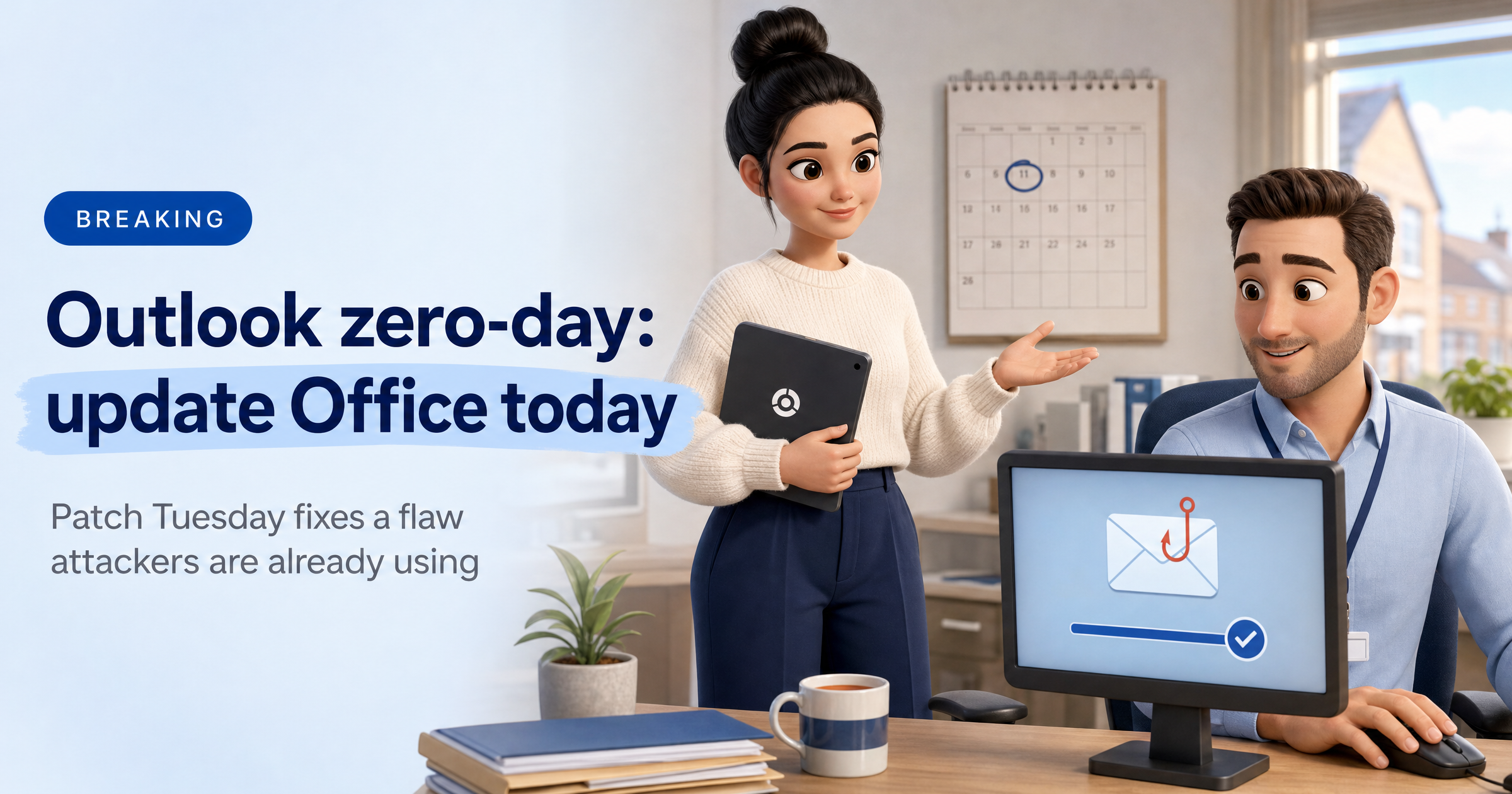
Microsoft's November security update includes a fix for an Outlook flaw that attackers are already using.
It takes a few minutes to install, and it matters most if your team works in Microsoft 365 Apps.
What happened
On Tuesday 10 November, Microsoft released its monthly Patch Tuesday updates. Tenable counts 1,093 vulnerabilities fixed, of which 63 are rated Critical, 1,029 Important and one Moderate. Some outlets quote higher totals because they count differently, but the picture is the same: it is a very large release.
The one that matters most is CVE-2026-124194, a spoofing flaw in Microsoft Outlook that Microsoft confirms was exploited in the wild before a fix existed. That makes it a zero-day.
Microsoft rates it Moderate, with a CVSS score of 6.5, but a modest score is no reason to wait when attackers are already using it. Microsoft has not said who is behind the attacks, who was targeted or how widely it has been used.
How the Outlook flaw works
An attacker sends a crafted file and persuades the recipient to open it. When it is opened in Outlook, Outlook can connect to a location the attacker controls without showing its usual warning about external content. That connection can hand over the user's NTLMv2 hash, which is a scrambled form of their Windows login proof. Microsoft says it could be used to impersonate that person in follow-on attacks.
Two details are reassuring. Reading an email in the Preview Pane is not an attack route, and the attack needs someone to open the file. The flaw affects Office LTSC 2021, Office LTSC 2024 and Microsoft 365 Apps for Enterprise.
Also worth knowing if you run your own servers
Two Critical fixes cover server software that some small firms host themselves: CVE-2026-118207 in Exchange Server and CVE-2026-118146 in Active Directory Domain Services. Both are remote code execution flaws.
Tenable rates both as "Exploitation More Likely", though neither is reported as exploited so far. If you run Exchange on your own server rather than in Microsoft 365, put it near the top of your list.
What this means for UK small businesses
Outlook is where most small firms spend their day, and this attack needs nothing more than a convincing file and one click. Because the thing taken is a login hash rather than a password, and Outlook skips its usual warning, nobody sees anything go wrong.
Office updates often need the apps to be closed and reopened before they finish. A laptop left on for weeks with Outlook permanently open can lag behind long after a fix is out. If an IT provider looks after you, ask them to confirm that November's updates have been rolled out rather than assuming they have.
What to do this week
Update Office today. In Outlook, choose File, then Office Account, then Update Options, then Update Now. Close and reopen the Office apps when asked.
Install the wider Windows updates. This release is huge, so let Windows Update run and restart machines that have been left on.
Be wary of unexpected files. Ask staff not to open unexpected attachments, even from names they recognise, and to check by phone if in doubt. Opening the file is what this attack relies on.
Check any servers you host. If you run Exchange Server or Active Directory yourself, make sure this month's fixes are installed, and ask your IT provider to confirm.
Ask your IT provider about outbound traffic. As general good practice, blocking outbound SMB traffic (port 445) to the internet at the firewall limits where login hashes can be sent. That advice is ours, not part of Microsoft's advisory, so treat it as a question to ask rather than a fix.
Sophia Says
A Moderate score on a flaw that is being used right now is a good reminder that severity labels are a starting point, not a to-do list. This one needs a person to open a file, and persuading people to open files is exactly what attackers are good at. Microsoft hasn't said who is behind it, and I won't guess.
At HackRisk we look at your business from the outside, the way an attacker would. That covers known weaknesses in your internet-facing systems, such as a server that is behind on its patches, and logins that have turned up in leaked data. I can't see the Office version on a laptop, so make sure this update reaches every machine.
— Sophia, HackRisk AI Security Analyst
Where HackRisk fits
Servers you expose to the internet. If you host your own mail or login servers, they need the same quick patching. Vulnerability Scan looks for known weaknesses in the systems you expose to the internet. It does not check Office on staff laptops, so that part stays with your update routine.
Exposed logins. If an account is compromised, its login details can end up in leaked data. Dark Web Scan looks for your business's exposed credentials so you can act on them.
Spotting risky files. Opening a crafted file is what this attack needs. Our explainers on Phishing Simulations and Security Awareness Training cover how to help a small team practise spotting them safely.
See where your business stands
Get an outside-in view of your business in plain English, with clear next steps. Get your free HackRisk report.