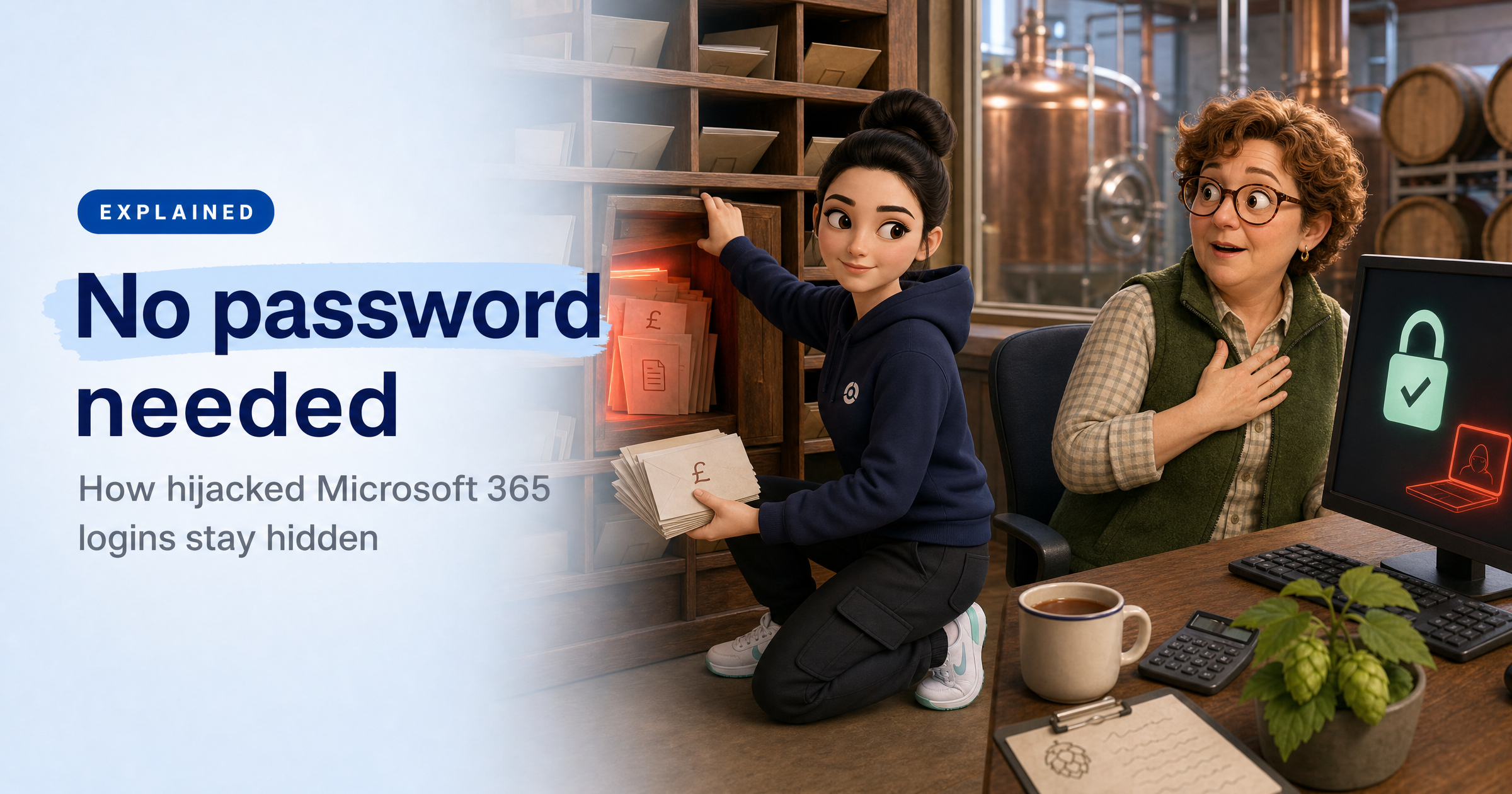
Imagine someone emails your accountant about payroll from your bookkeeper's mailbox, then sets up a rule that hides every reply mentioning payroll, bank details or bonuses. Five minutes later, a second rule hides every email from the accountant. Your bookkeeper sees nothing unusual.
That's a real case from new research into hijacked Microsoft 365 accounts, where the attacker never needed a password, and it's a reminder that a password reset alone may not lock them out.
What happened
On 22 October, security firm Huntress published research into a campaign it tracked from 14 July to 22 September 2026. Over about ten weeks, an attacker got into Microsoft 365 accounts at 79 organisations, with at least 497 successful sign-ins out of more than 200,000 attempts. The Hacker News puts the total at 97 accounts.
In Huntress's words, the accounts "were compromised without the attacker ever needing a password". Instead, the attacker reused stolen sign-in sessions.
In at least 19 organisations, the victim's existing MFA methods were wiped and a new one registered within three hours of the first suspicious sign-in. At least 48 fake computers were added to victims' Microsoft directories.
How do you get into an account without a password?
When you sign in to Microsoft 365 and pass your MFA check, Microsoft gives your browser a session token, a sort of digital wristband that says "this person has already been checked". Whoever holds the wristband gets in without being asked again.
According to Huntress, the attacker collected these tokens in three main ways. Some victims landed on fake sign-in pages that sat between them and the real Microsoft page, passing their details and MFA code through while copying the token at the end. Others were tricked into typing a code on Microsoft's genuine sign-in page (known as device-code phishing), which handed the attacker access. The rest came through social engineering.
The attacker then replayed the tokens in bulk, which Huntress calls "token spraying". By September, a hijacked session appeared four minutes after the victim reached the MFA prompt.
Why a password reset isn't enough
This is the bit that matters most for small firms. Once inside, the attacker made sure they could stay, even if someone noticed:
- They added their own authenticator app. In one case an app labelled "iPhone 13" was activated within an hour of the hijack. It keeps working after a password change.
- They registered fake computers in the company's Microsoft directory. Those stay until someone deletes them.
- They created inbox rules with names like ".", "sss" and "iT" that deleted mail, marked it as read or moved it into folders nobody opens, such as RSS Feeds and Conversation History.
Huntress warns that a password reset alone leaves the attacker's devices and MFA methods in place. Only four organisations blocked the attacker's September burst of sign-ins outright, because they had Microsoft's Conditional Access policies switched on.
What this means for UK small businesses
Microsoft 365 runs the email of a huge number of UK small firms, and email is where invoices, payroll changes and supplier bank details live. The government's Cyber Security Breaches Survey 2025/26 found that 43% of businesses had a breach or attack in the past year (42% of micro and 46% of small businesses), and phishing affected 38%. Only 47% of businesses use any two-factor authentication.
Turning on MFA is still one of the best things you can do. But this campaign shows MFA is the start, not the finish. The danger is the stuff nobody looks at: a rule tucked away in someone's mailbox, a device in the admin portal nobody recognises, an extra authenticator on an account. If no one checks, an attacker can sit there for weeks.
What to do this week
Check inbox rules. Ask each person, or your IT provider, to look at the rules in Outlook. Delete anything nobody set up, especially rules with odd one-to-three-character names or ones that move mail to RSS Feeds or Conversation History, or that mention payroll or bank.
Review sign-in methods. In each person's Microsoft account security settings, check which phones and authenticator apps are listed. Remove anything they don't recognise.
Look for unknown devices. Ask whoever manages Microsoft 365 to check the list of registered devices for names like "DESKTOP-" followed by random letters and numbers, and confirm each one before removing it.
If you suspect a break-in, do more than reset the password. Sign the person out of all sessions, reset the password, then remove unknown devices, authenticators and inbox rules. Huntress notes a stolen token can stay valid for around 90 minutes after a reset.
Ask your IT provider about Conditional Access. Ask whether your Microsoft 365 setup requires MFA for every user and app with no exceptions, and whether the "device code" sign-in method is blocked if you don't need it.
Sophia Says
What strikes me about this campaign is how ordinary it looks from the inside. Staff passed their MFA checks, and the attacker's footprints were small things: an extra phone on an account, a strangely named inbox rule, a laptop in the directory that nobody owns. Most small businesses never look at those lists, so the attacker got weeks of quiet access to things like payroll conversations. That's not a failure of effort, it's a failure of visibility.
HackRisk is built around the idea that you can't protect what you can't see. We watch for your team's email addresses and passwords turning up in breach dumps, so you know who's being targeted. We map what attackers can see of your business from the outside, and we run realistic phishing simulations and short training so staff recognise fake sign-in pages and unexpected code requests before they hand over the keys. Then we give you a plain-English list of what to fix, so a quick check like the one above becomes a habit, not a one-off.
— Sophia, HackRisk AI Security Analyst
Where HackRisk fits
Fake sign-in pages and code tricks: Phishing Simulations and Security Awareness Training help staff spot lookalike login pages and unexpected requests to enter a code.
Leaked staff logins: Dark Web Scan watches for your business email addresses and passwords appearing in breach dumps and criminal markets.
Your visible footprint: Recon Scan maps what attackers can find about your business online, including the email domains and login pages they can target.
Your IT provider: Supply Chain Risk helps you understand the security of the providers who run your Microsoft 365 and other systems.