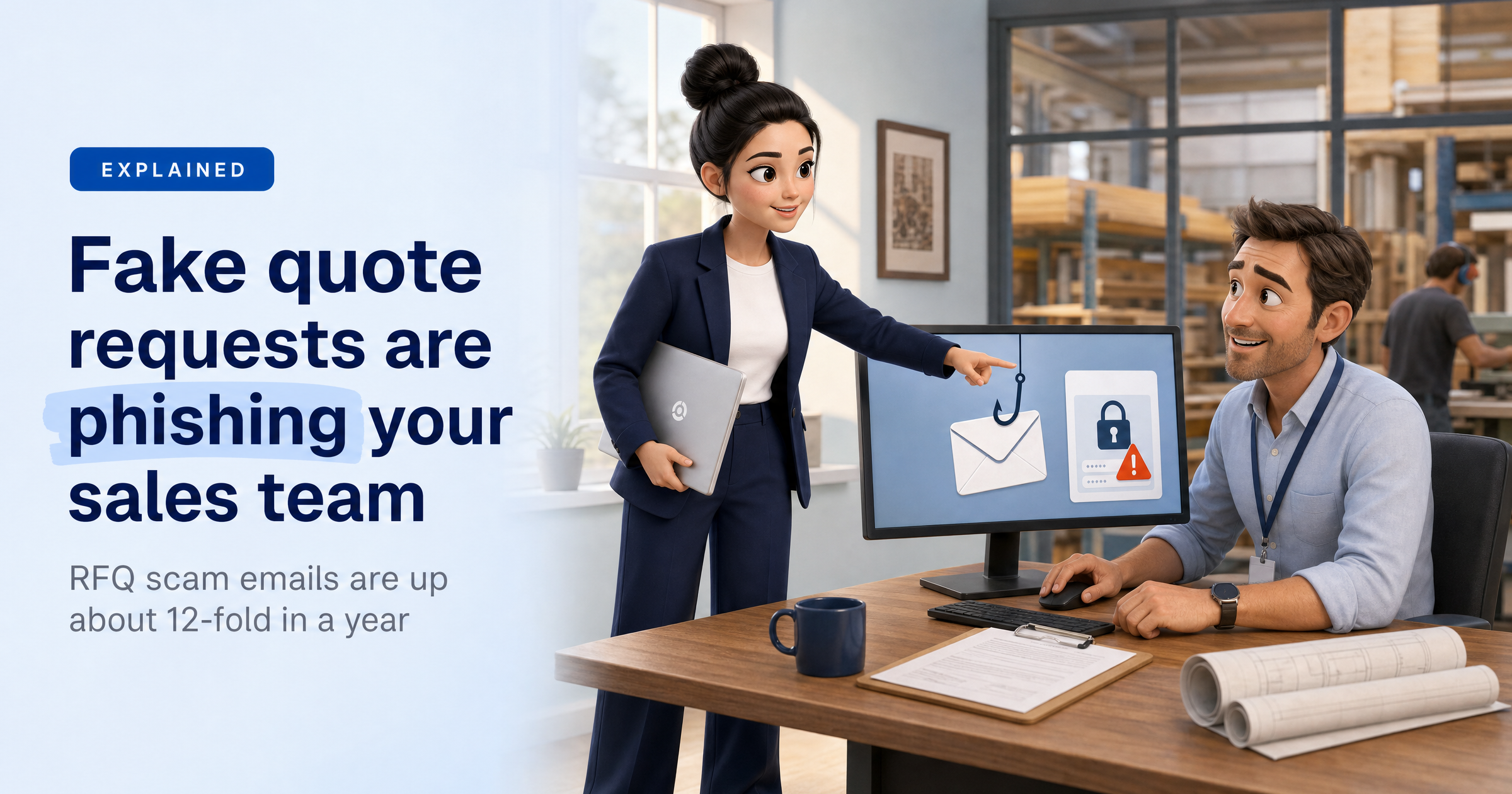
An email lands in your sales inbox. A purchasing manager at a company you haven't heard of wants to know if you can supply a few items, and could you confirm availability?
It's short, polite and looks exactly like the kind of enquiry that pays the bills. That's the point.
Security researchers say scam emails built around requests for quotation (RFQs) have surged in the past year, and they're aimed squarely at the people whose job is to reply.
The numbers
According to research from Fortra, reported by Help Net Security on 16 October, malicious emails mentioning RFQs rose about 12-fold between October 2025 and September 2026. In nearly 73% of cases, the lure led to a page designed to steal login credentials.
The emails came from 664 different sender domains, which makes simple blocklists a weak defence on their own. A smaller share delivered malware instead.
How the scam works
It usually runs in three steps.
First, a short opening email. It often names a purchasing manager or company representative and asks you to confirm availability or send a quote, with almost no project detail.
Second, a follow-up once you reply. The attacker sends a link posing as project drawings, an RFQ package, a secure file transfer or a procurement portal.
Third, a fake sign-in page. It imitates Microsoft 365, Google Workspace or a similar business login. Depending on the phishing kit, it may also try to capture MFA approvals, one-time passcodes or session tokens.
The business framing does a lot of the work. If you're expecting to log in to view a customer's documents, a login prompt doesn't feel odd.
What this means for UK small businesses
Small firms rarely have a dedicated security team, and the people who answer enquiries are often the same people who hold the keys to customer data and payments. Once an attacker is inside a mailbox, they can search it for customer details, invoices and payment instructions.
They can also send convincing emails from your real address to your colleagues, customers and suppliers, who trust the sender. The source article lists payment-redirection fraud, invoice manipulation, fraudulent purchase requests and exposed customer data among the possible outcomes.
You can't tell sales and procurement staff to stop opening links from strangers. New enquiries are how they win business. They need a safe, simple way to check who they're dealing with instead.
What to do this week
Check new buyers before you reply with detail. Look the company up independently, and phone a number you found yourself, not one in the email.
Never sign in through a link in a quote request. If a customer says documents are in a portal, ask them to send the files another way, or go to the portal by typing its address yourself.
Don't rely on MFA alone. Some phishing kits try to capture approvals, codes and session tokens, so keep MFA switched on but treat an unexpected sign-in page as a red flag whatever protection sits behind it.
Know what to do if someone clicks. Tell your IT provider straight away, change the password, sign out of all sessions and check the mailbox for anything unfamiliar. Make it clear nobody will be blamed for reporting quickly.
Give the RFQ process an owner. Agree who checks unfamiliar enquiries and tell the sales team they can ask. Treat it as a known risk, not a one-off.
Sophia Says
What I like least about this scam is that it uses good manners against you. The sender asks a normal business question, waits for you to reply, and only then sends the link. By that point you've started a conversation, so you're far less likely to question it. The people being targeted are doing their jobs well.
At HackRisk, I can't read your inbox, but I can help with what surrounds it. I check whether your business email logins are already circulating on the dark web, and I help you train your team to spot this kind of message before they click.
— Sophia, HackRisk AI Security Analyst
Where HackRisk fits
Staff who can spot it: realistic phishing simulations and security awareness training help your team practise on lookalike emails in a safe setting.
Stolen logins: a Dark Web Scan shows whether your business email addresses and passwords have already turned up in leaked data, so you can reset them before someone uses them.
Get your free HackRisk report
See where your business stands in plain English, with no jargon and no obligation. Get your free HackRisk report.