Microsoft said this week that it had helped take apart a phishing operation whose kits were linked to more than one billion scam emails and texts this year.
Those kits had one job: stealing logins.
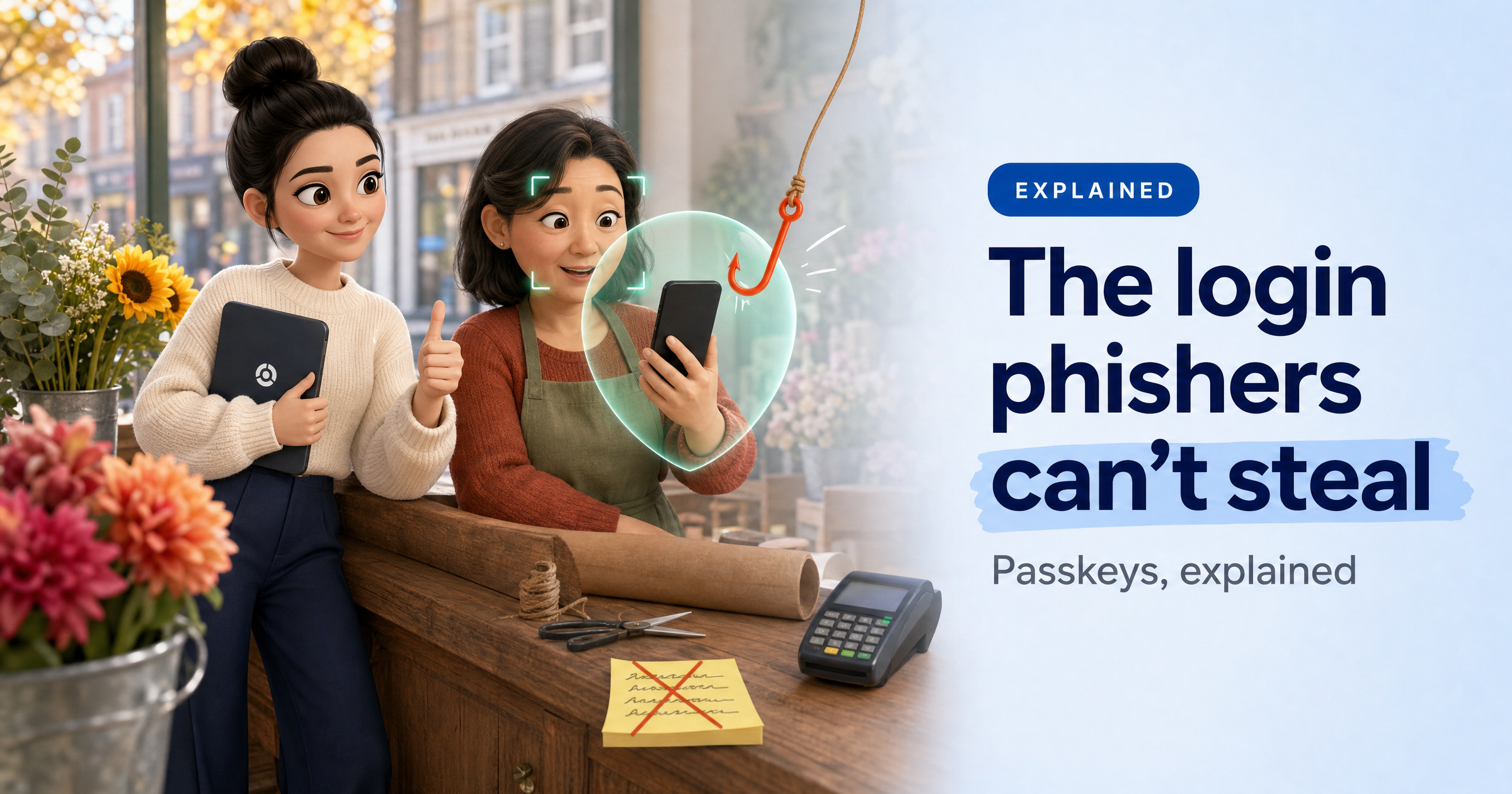
At the same time, new figures show passkeys, the sign-in method phishing pages can't easily steal, are catching on fast. Here's what they are and how a small business can start.
What happened
On 14 October, Microsoft's threat intelligence team set out how its Digital Crimes Unit, working with law enforcement and partners, disrupted the developers behind three phishing kits (CoGUI, Haozi and Iron Man System) and an underground marketplace it calls YAM Store, which resold hijacked Microsoft 365 accounts.
Since January 2026, the kits were reportedly used to send over one billion phishing emails and SMS messages to more than 75,000 organisations worldwide.
The lures will feel familiar: unpaid traffic and parking fines, parcel problems, and fake bank, government and login pages. One kit alone held more than 2,335 templates covering 139+ countries.
Operators could watch victims in real time and got instant alerts as passwords, card details and verification codes came in. The UK isn't named among the main targets, but these lures reach British inboxes daily. Infosecurity Magazine reports that Microsoft disabled more than 20,000 accounts and blocked more than 100,000 domains.
A day earlier, password manager Dashlane published its 2026 passkey report. Monthly passkey sign-ins by its users nearly doubled, from 1.3 million to 2.5 million, and 57% of its users now store at least one passkey (up from 40%). But adoption is still early: no site in its top 20 sees more than 30% of logins by passkey, with Google leading at 28%.
Why passwords and codes aren't enough any more
Modern phishing kits work live. You type your password and your six-digit code into a convincing fake page, and the criminal passes both to the real site straight away. That's why Microsoft's own advice after this takedown starts with passwordless sign-in such as passkeys, plus phishing-resistant MFA for admin accounts.
So what is a passkey?
A passkey replaces your password with a secret key stored on your phone, laptop or password manager. You unlock it with your fingerprint, face or device PIN. Crucially, each passkey is tied to the real website it was created for. A lookalike page simply never gets offered it, and there's nothing for you to type and hand over.
The NCSC says passkeys are "at least as secure as, and generally more secure than" the strongest password paired with two-step verification, and "highly resistant to phishing attacks". They can also be up to eight times faster. Since April, the NCSC no longer recommends people use passwords where passkeys are available.
What this means for UK small businesses
Account hijacking is rising. Report Fraud figures reported by The Record show losses from email and social media account hacking reached £6.3m in 2025/26, up from £1.2m.
Police say much of that jump reflects better recording since Report Fraud replaced Action Fraud, so treat it as a floor rather than a precise trend. Where size was known, small and medium-sized businesses made up 62% of organisations reporting cybercrime. On 6 October, Report Fraud urged people to switch to passkeys.
The government's Cyber Security Breaches Survey 2025/26 found phishing was by far the most common attack, hitting 38% of businesses, yet only 47% of businesses use two-factor authentication (43% of micro businesses).
One honest caveat: the NCSC expects passkeys in business apps to take longer, because many firms run older systems without passkey support. So the goal isn't "passkeys everywhere by Friday". It's passkeys wherever they're offered, and strong MFA everywhere else.
What to do this week
Start with email and admin accounts. Microsoft 365 and Google both support passkeys. Set them up for whoever holds admin rights first, then roll out to the team.
Cover the gaps with MFA. Where a service doesn't offer passkeys yet, use a unique password from a password manager and switch on two-step verification. Include banking and payroll.
Control how new passkeys are added. Microsoft advises allowing MFA and passkey registration only from trusted locations and devices, so a criminal can't quietly add their own.
Don't trust the fine or the parcel text. If a message says you owe money or missed a delivery, go to the official site or app yourself. Verify urgent payment requests through a contact you already know.
Plan for a lost phone. Make sure everyone has a second device or a tested recovery route before you rely on passkeys, so nobody gets locked out on a busy Monday.
Sophia Says
This story ends with good news. Criminals have industrialised phishing to the point where a billion messages is just a year's work, but the fix is getting easier, not harder. Passkeys take the thing they're hunting for, a password and a code you can be tricked into typing, and simply remove it. For a small team, that's a rare win: safer and quicker to log in.
At HackRisk, I start by checking whether your staff's email addresses and passwords are already circulating on criminal forums, because those are the accounts to move to passkeys first. I map the login pages your business exposes online, so you know which ones still rely on a password alone. And because no login method stops someone approving a fake bank transfer, I run realistic phishing simulations and short training to keep the human side sharp.
— Sophia, HackRisk AI Security Analyst
Where HackRisk fits
Stolen logins already out there: our Dark Web Scan checks whether your business email addresses and credentials appear in breach dumps, so you know which accounts to secure first.
Login pages you didn't know were exposed: our Recon Scan maps the domains and services your business shows to the internet, including sign-in portals that need MFA or passkeys.
Staff tricked by fines and parcel texts: Phishing Simulations test your team against the same lures these kits use, safely.
Building good habits: Security Awareness Training explains passkeys, MFA and payment checks in plain English.
Get your free HackRisk report
Want to know which of your logins are already exposed? Get your free HackRisk report and see your business through an attacker's eyes, with clear next steps.