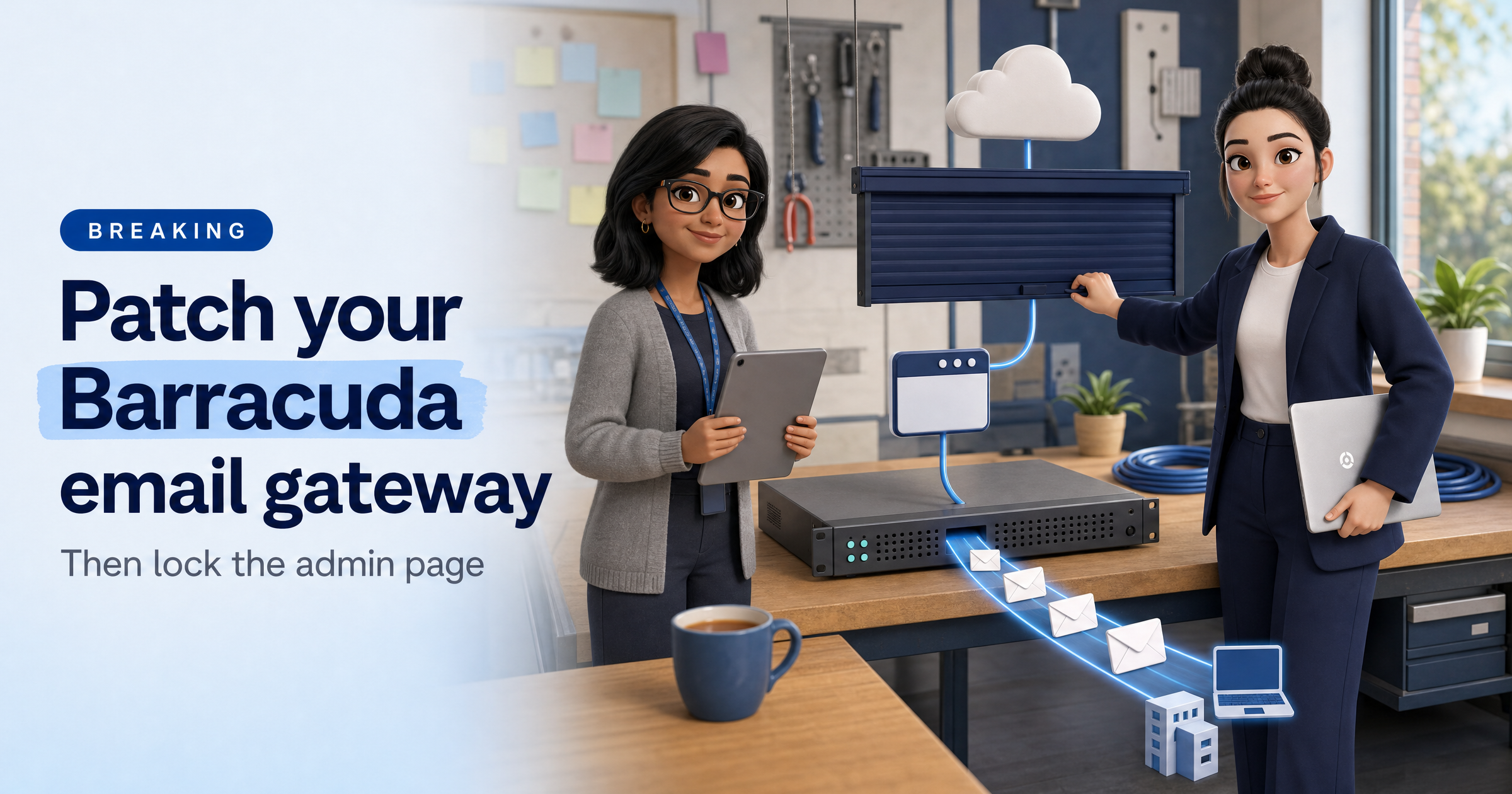
If your business, or one of your clients, runs a Barracuda email security gateway, check it this week.
Barracuda has published fixes for two flaws that, chained together, can give an attacker full control of the device. Your email gateway sits in the path of every message you send and receive, so it is not a box to leave unpatched. Barracuda has set out the details in its security advisory.
What happened
Barracuda's advisory covers two vulnerabilities. CVE-2026-116606 is an authorisation bypass in the Email Security Gateway (ESG), rated 9.3. CVE-2026-111560 is a command injection flaw, rated 8.6, that affects the ESG and five other Barracuda products: Load Balancer ADC, Message Archiver, WAF Control Center, Web Application Firewall and Web Security Gateway.
On its own, the second flaw needs administrator access. Barracuda says that if the two are exploited in combination, an attacker could bypass authorisation controls and obtain root access to the device.
Security researchers published a technical write-up on 5 November, describing how the chain leads to remote root code execution on the ESG without logging in first. Their analysis does not report any attacks in the wild, and neither does Barracuda's advisory.
The detail that matters: the admin page
Barracuda updated its advisory on 5 November. It now says that exploiting CVE-2026-116606 requires the attacker to be able to reach the device's administrative interface. Its guidance is to restrict that interface to trusted internal networks, and it warns that internet-exposed admin interfaces carry greater risk. In plain English: a gateway whose admin login is open to the whole internet is a much easier target than one only your team can reach.
What this means for UK small businesses
Email gateways are popular with small firms and the IT providers who look after them, because they filter spam and phishing before it reaches staff. They are also devices that are easy to forget. They run quietly, nobody logs in for months, and updates may not be applied unless someone checks. If an attacker gets root access, they control a system that handles your mail and sits inside your network.
There is reassuring news too. We have seen no reports of attacks on these flaws so far, fixes exist, and the main defensive step costs nothing. If you use Barracuda's cloud service instead of a physical or virtual appliance, check with Barracuda or your provider whether the fix has already been applied for you, because the advisory does not say.
What to do this week
Find out if you have one. Ask your IT provider, or check your records, for any Barracuda Email Security Gateway, Load Balancer ADC, Message Archiver, Web Application Firewall or Web Security Gateway.
Apply the firmware update. Barracuda's advisory lists a patch for each product. If a patch was not applied automatically, install it manually as soon as possible, then confirm the new version on the device.
Take the admin page off the internet. Limit access to the management interface to your office network or a VPN. Do this even after patching.
Look for anything odd. Ask your provider to review the device for unexpected configuration changes, new admin accounts or unfamiliar login activity.
Keep a list of internet-facing devices. You cannot patch what you have forgotten you own. A short, current list of firewalls, gateways and servers saves time on days like this.
Sophia Says
I like this story for one reason: the fix is partly free. Patching matters, but so does asking who can reach the admin page. Most small businesses have no reason to leave a management login open to the whole internet, and closing it shrinks the risk from this flaw and the next one.
This is the kind of thing HackRisk is built to help with. We look at your business from the outside, the way an attacker would, so you can see which services are exposed and which are running software with known problems. Then you decide what to close or update.
— Sophia, HackRisk AI Security Analyst
Where HackRisk fits
Exposed admin pages: a Recon Scan shows what your business exposes to the internet, which helps you spot a management page that should not be public.
Known weaknesses: a Vulnerability Scan checks your external services for known vulnerabilities, so outdated software gets flagged before someone else finds it.
Get your free HackRisk report
See what your business looks like from the outside, in plain English. Get your free HackRisk report.