In November 2024, ransomware attackers got into the systems of a small Welsh public data body.
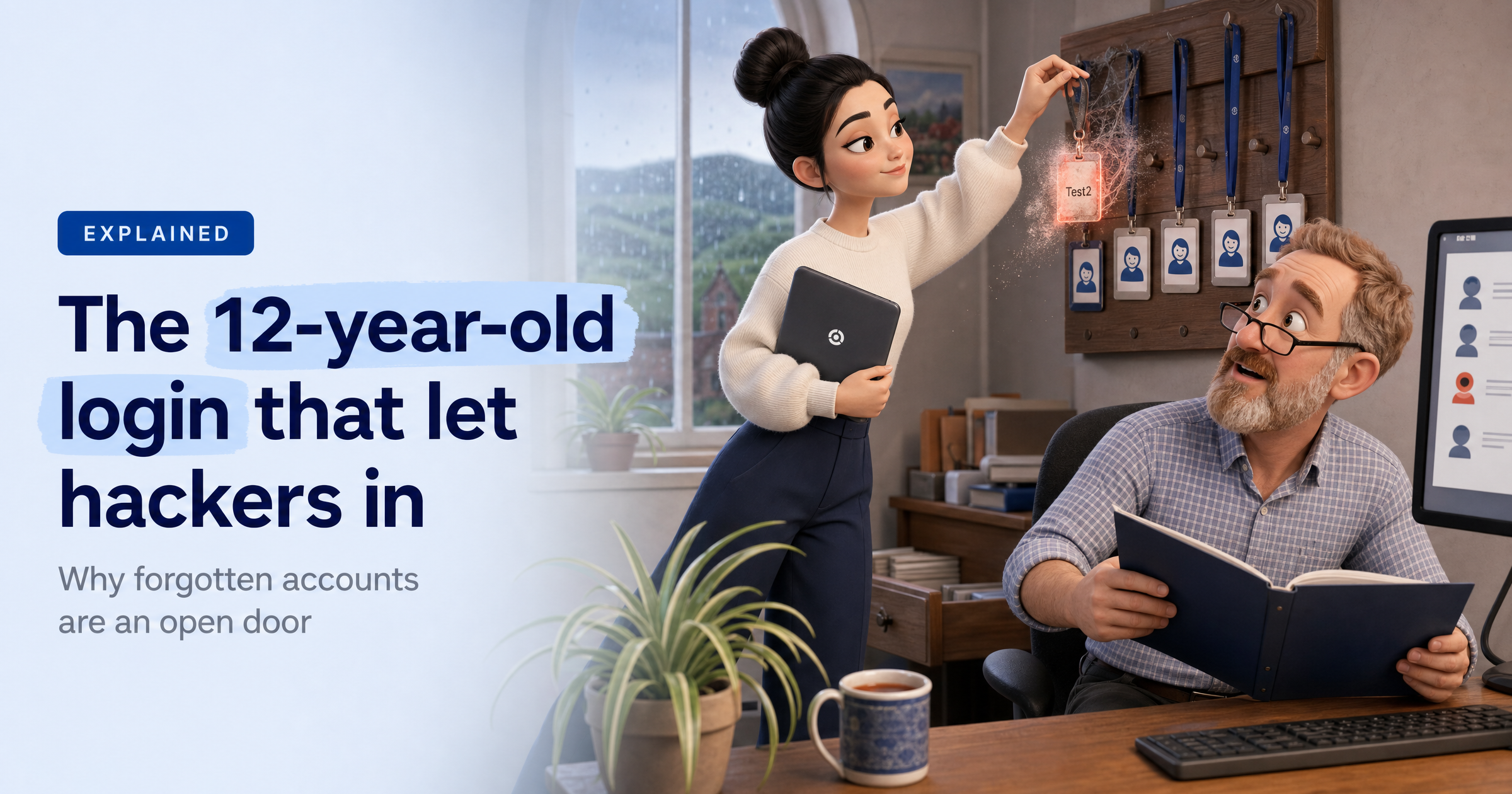
They didn't need a clever new exploit. They logged in with a test account called "Test2", set up by the organisation's IT provider in January 2012, and protected by the password "Password1". Nobody had switched it off in more than 12 years.
On 20 October 2026, the UK data protection regulator reprimanded both organisations, and the lesson applies to almost every small business that relies on an outside IT provider.
What happened
The Information Commission's Office (the ICO) reprimanded Ogi Networks Limited and the Local Government Data Unit – Wales (Data Cymru) after a ransomware attack on 1 November 2024. The attackers encrypted 182.7GB of data and took 42GB from Data Cymru's systems. The personal information of 3,300 people was taken, most of them children, from two projects supporting children and families.
The way in was the "Test2" account, which Ogi had created and which had existed for more than 12 years. A third-party tool rated its password "very weak" and said it could be cracked in under a second. The ICO also found that some local administrator accounts had kept the same password for more than 12 years.
David Doodson, the ICO's Head of Investigations, put it bluntly: "Password1 is not an appropriate password, it is a wide-open door to nefarious actors."
Both organisations received reprimands rather than fines. According to Local Government Lawyer, the Welsh Local Government Association (which Data Cymru has since merged into) said there is "no evidence to indicate that the compromised information was shared further or misused", and Ogi said the incident "was limited to the server we hosted for Data Cymru".
How one forgotten login opens the door
Test accounts are made to get a job done, then forgotten. Nobody owns them, nobody logs in with them, so nobody notices if someone else does. To an attacker, a working username and password is ideal: their activity looks like a normal login rather than a break-in.
The ICO was clear that the responsibility was shared. Ogi created the account and didn't audit the accounts it had made. Data Cymru controlled its own network and could have told Ogi to remove accounts. Neither had an effective process for finding and removing old accounts, and Data Cymru's account reviews were unscheduled and only covered part of the system.
It also had no compliant contract with Ogi and hadn't clearly set out who was responsible for the outsourced Active Directory service. In short, each side could reasonably have assumed the other was checking.
Why "Password1" survives
"Password1" has a capital letter, a number and more than eight characters, so it passes the kind of password rules many systems still use. That's why the ICO's advice is to block weak and commonly used passwords outright, not just set length and character rules.
What this means for UK small businesses
Most small firms hand the keys to an IT provider, and that provider usually has admin access to email, files and servers.
The government's Cyber Security Breaches Survey 2025/26 shows the basics are only partly in place: 74% of businesses have a password policy and 73% restrict admin rights, but only 47% require two-factor authentication (43% of micro businesses). Just 15% review the risks posed by their immediate suppliers, falling to 12% of micro businesses.
Data Cymru was a small public body, not a household name, and the regulator still acted. UK GDPR expects every organisation that holds personal data to keep it appropriately secure and to test those measures regularly. If a 12-year-old test account can sit unnoticed there, it can sit unnoticed in a ten-person firm too.
What to do this week
Ask for a full list of accounts. Ask your IT provider to list every user and admin account in your email, cloud and server systems, including test, service and former-staff accounts. Anything nobody can explain should be disabled.
Block the obvious passwords. Ask for weak and commonly used passwords to be blocked where your systems allow it, and make sure admin accounts have their own unique credentials rather than shared ones.
Turn on multi-factor authentication for remote access. Make it the default for VPNs, remote desktop, email and admin portals. A stolen or guessed password alone shouldn't be enough to get in.
Put it in the contract. The ICO recommends setting out in contracts how security controls will be delivered, monitored and audited. Agree who reviews accounts, how often, and how you'll be told.
Diary a regular review of everything. The ICO says to review all relevant accounts, permissions and security groups, not just a sample. A short check every quarter is a sensible rhythm for most small firms.
Sophia Says
What strikes me about this one is how ordinary it is. No clever exploit, no specialist toolkit, just a login someone made for a test in 2012 that nobody ever switched off. I see this pattern again and again: the account that hurts you isn't the one you know about, it's the one everyone assumed someone else was looking after. And "Password1" isn't really a joke. It ticks the old boxes of a capital letter and a number, which is exactly why it lasts.
This is the kind of blind spot HackRisk is built to light up. Our Dark Web Scan checks whether logins for your domain are already circulating in breach data, and our Recon Scan maps the remote-access doors you have facing the internet, like VPNs and login portals, so you know where an attacker would try a password first. Supply Chain Risk helps you ask your IT provider the right questions about who has access and how it's reviewed. You can't protect what you can't see, so we make the forgotten bits visible before someone else finds them.
— Sophia, HackRisk AI Security Analyst
Where HackRisk fits
Leaked or reused logins: Dark Web Scan shows whether your business's credentials are already out there.
Exposed remote access: Recon Scan finds the internet-facing login pages and services an attacker would target.
Weaknesses on those doors: Vulnerability Scan checks them for known flaws and weak configurations.
Your IT provider's access: Supply Chain Risk helps you understand and question the suppliers who hold your keys.
Password habits: Security Awareness Training helps your team spot why "Password1" and shared logins are a problem.
See what an attacker would see
Find out which of your logins and access points are visible from the outside, in plain English. Get your free HackRisk report.