Most of us couldn't name every app on our phone. There's the banking app, the messaging apps, a few games, and then a long tail of things we downloaded once, for one job, and forgot about. That forgotten tail is exactly where a new wave of fake apps has been hiding, and the UK saw more of them than any other country researchers broke out.
What happened
On 7 October, McAfee Labs published research on a fake-app campaign it calls Android/RewaFake. It linked more than 1,900 unique apps to the campaign, all listed on Google Play, affecting more than 500,000 devices in more than 190 countries. New apps were appearing at an estimated 20 to 25 a day.
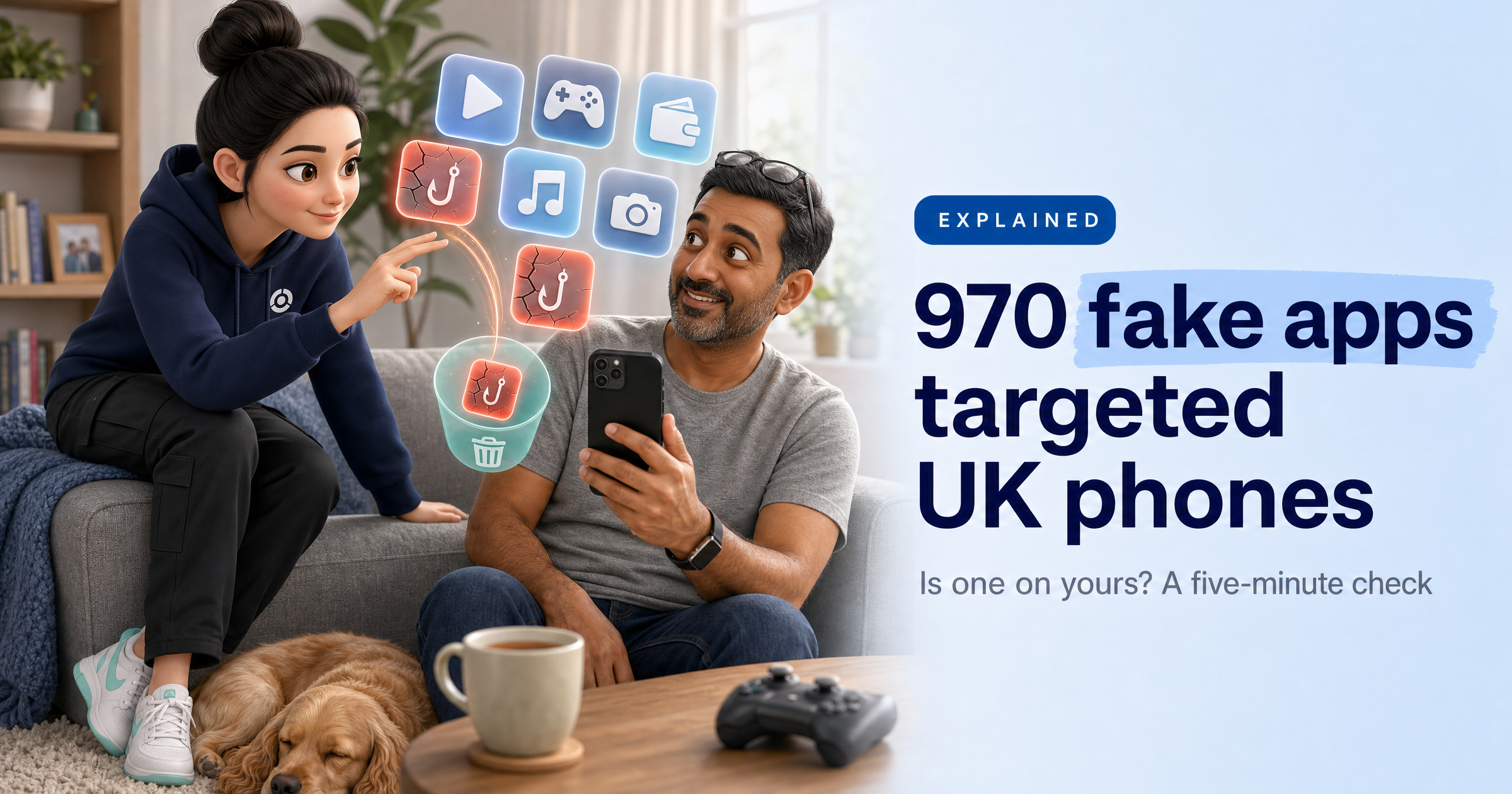
The UK stood out. Of the five markets McAfee broke down, the UK had the most fake apps (970, against 450 in France and 444 in Germany) and the most detections (11,862). On 20 October, Which? warned UK consumers that the apps impersonated brands including PayPal, Apple Pay and Netflix, and that one fake PayPal app had been downloaded more than 10,000 times.
Other fakes posed as CapCut, Roblox, Minecraft, Xbox Game Pass, Siri, iMessage, Binance and several banks. McAfee counted 37 apps aimed at young players, with more than 86,000 downloads between them among those it could still measure. Google removed all the identified apps after McAfee reported them.
How the fake apps work
Each app is an empty shell. When you open it, it quietly asks a server run by the criminals where to send you, then opens that web page in a window with the address bar hidden, so you can't easily see where you've landed. In the cases McAfee saw, that was a gambling-style quiz site, and some of the pages led to subscription schemes billing as much as $49.99 a month.
Two details matter. First, the apps asked for no dangerous permissions and used no software flaws, so nothing about them looked alarming. Second, the criminals can change where any app points at any time, without pushing an update. An app that shows quizzes today could show a fake bank login tomorrow.
The bait is often something that can't exist. Apple Pay, Siri and iMessage are Apple services with no Android app, so anyone searching Google Play for them only finds fakes. As McAfee puts it, if a product doesn't exist on your platform, no app can provide it.
Why the official store isn't a guarantee
The usual advice still stands. The NCSC says to "only download apps from official stores or websites", because store apps are checked before release. But this campaign shows that checks reduce the risk rather than remove it. Hundreds of fakes made it onto Google Play at a rate of 20 to 25 a day, and a high download count told you nothing: McAfee specifically warns against treating install numbers as a sign of trust.
What this means for you
The real problem is visibility. If you don't know what's on your phone, you can't tell when something on it shouldn't be there. A fake app that sits unopened in a folder, or one your child installed while looking for a game, can be switched to something nastier whenever its owners choose. And because subscription charges can land on your card through a web page rather than through the app store, they're easy to miss unless you check your statements.
What to do this week
Go through every app on your phone. Open your phone's app list in Settings and scroll the whole thing. Delete anything you don't recognise, don't use, or can't remember installing. Be especially wary of "guide", "helper", "tips" or "tutorial" apps for things you already use, and of any Android app claiming to be Apple Pay, Siri or iMessage.
Check Google Play Protect is switched on. In the Play Store app, tap your profile icon, then Play Protect, then Settings, and make sure "Scan apps with Play Protect" is on. Google says it checks apps when you install them and scans your device periodically. If it flags an app, tap the notification and uninstall it.
Install money apps from the source. Get banking and payment apps from a link on your bank's or provider's official website, not from a search. Before you install anything, check the developer's name, not just the app's name and icon.
Read your bank and card statements. Look back over the last couple of months for small recurring payments you don't recognise. If you find one, contact your bank using the number on the back of your card.
Check the family's phones too. Fake games and "free" versions of popular titles were a big part of this campaign. Sit down with your children, go through their apps together, and turn on parental approval for new downloads if you haven't already.
Why it matters at work too
Plenty of us read work email or join Teams calls on our own phones. The NCSC tells organisations to lock down "any personal devices that your staff use for work purposes" for exactly this reason: a phone full of forgotten apps is a phone your employer can't vouch for either. Five minutes tidying your own device protects both.
Sophia Says
What worries me about this campaign isn't the quiz pages. It's that every one of those apps was a remote control waiting to be used. Nobody had to sneak anything past a security check later; they just had to change a setting on their own server. If you never look at what's installed on your phone, you'd have no way of knowing that the harmless-looking helper app you forgot about now opens something else entirely.
My advice is the same thing we tell businesses every day: you can't protect what you can't see. Make an app check part of your routine, the way you'd check your bank balance. Once a month, scroll your app list, delete what you don't need, glance at your subscriptions and check Play Protect is on. A phone with fewer, known apps is far harder to take advantage of, and it takes less time than making a cup of tea.
— Sophia, HackRisk AI Security Analyst
Sources
Which?, The latest scam alerts from Which? (entry of 20 October 2026)
Google Play Help, Use Google Play Protect to help keep your apps safe & your data private